Canva integration
Your Canva designs, straight into your posts.
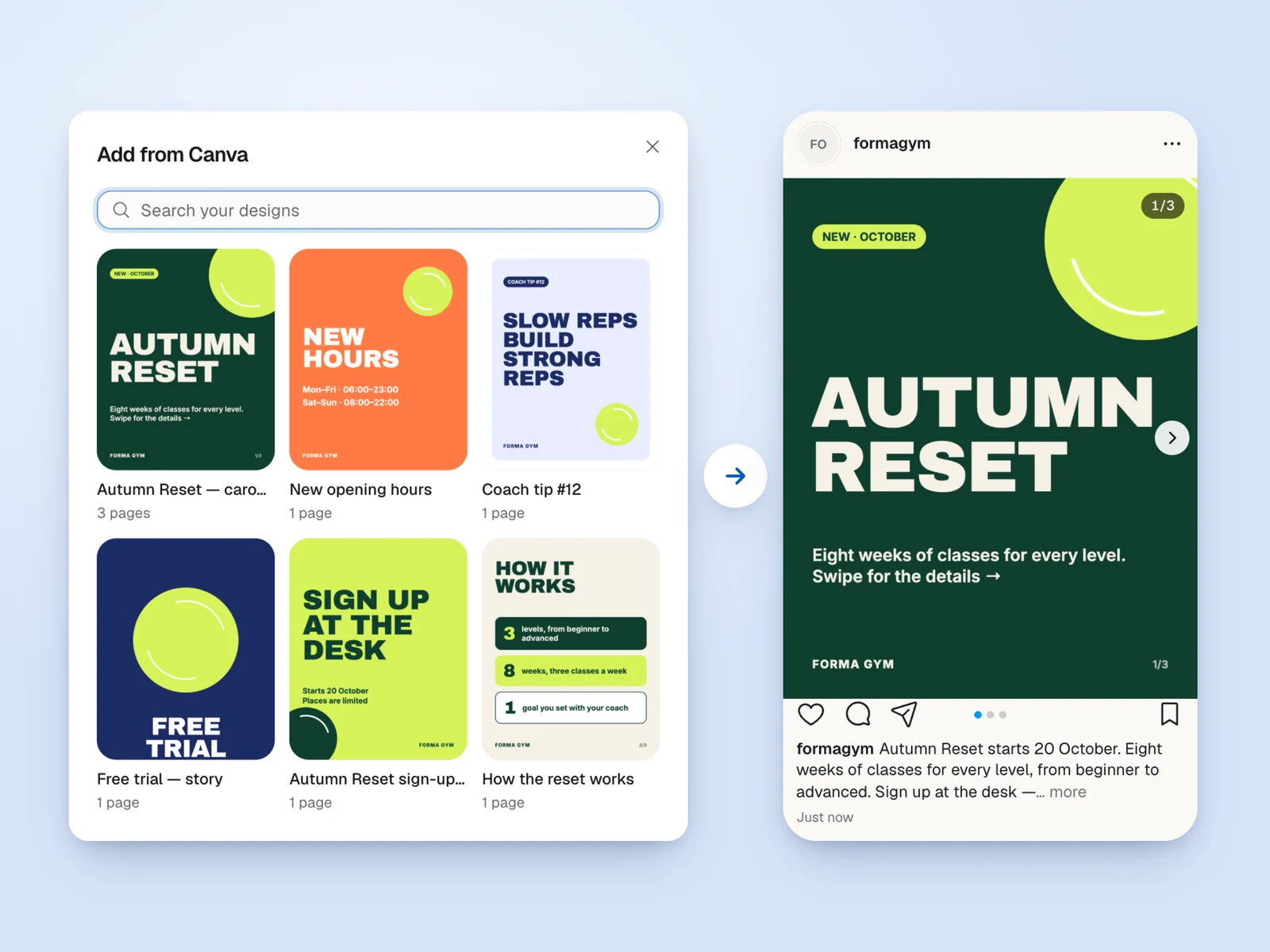
Pick a design in Ark and it becomes the post: every page a carousel slide, or the design as a video. No downloading, no re-uploading, no wrong version.
Step 1
Connect Canva
Once, from Settings → Integrations, or from the Canva button on any post. Sign in to Canva and allow access.
Step 2
Pick a design
Your designs, newest first, with search. Add every page as a carousel slide, only the pages you choose, or the whole design as a video.
Step 3
Approve and post
The design lands in the post with its caption and preview. When the client approves, Ark schedules it on Instagram, Facebook or TikTok.
Ark only reads your designs: it can't change or delete anything in Canva, and you can disconnect any time. Read how we use Canva data or get help with Canva.
From Canva to the client's feed.